Keep your method consistent
Choose the measurements you want to follow from those available in the app. Use the same measurement method and units when you return.
Give your visual progress a numerical record. Log measurements manually and see how your history develops over time.
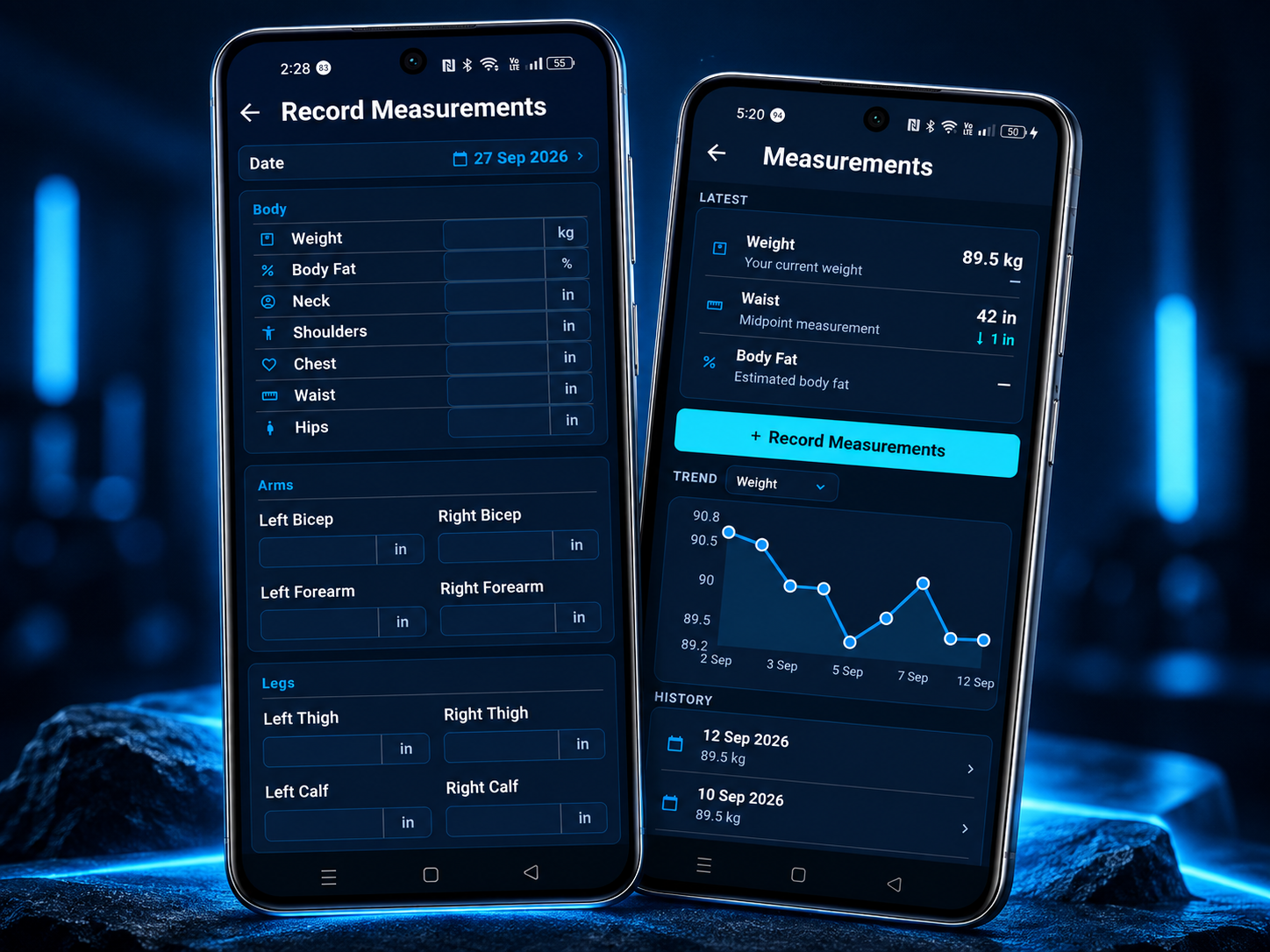
Keep weight and body measurements alongside your visual history. Return to your charts and dated entries when you're reviewing photos from different stages.
You enter your measurements yourself. My Gym Body keeps the record organised so you can return to it.
Explore the photo comparison viewsChoose the measurements you want to follow from those available in the app. Use the same measurement method and units when you return.
Record weight and body measurements manually. A dated history gives each entry a place in your progress record.
Look across your measurement history and compare your progress photos. Use several check-ins to see the record in context.
Framing, lighting and pose affect how your photos look. A consistent photo set makes it easier to review your visual record alongside your measurements.
Read the progress-photo guideCombine photos and measurements in a structured check-in. Confirm what your coach needs, then prepare a PDF to share through your phone.
Explore physique check-insSee how to bring your photos and measurements into a useful check-in.